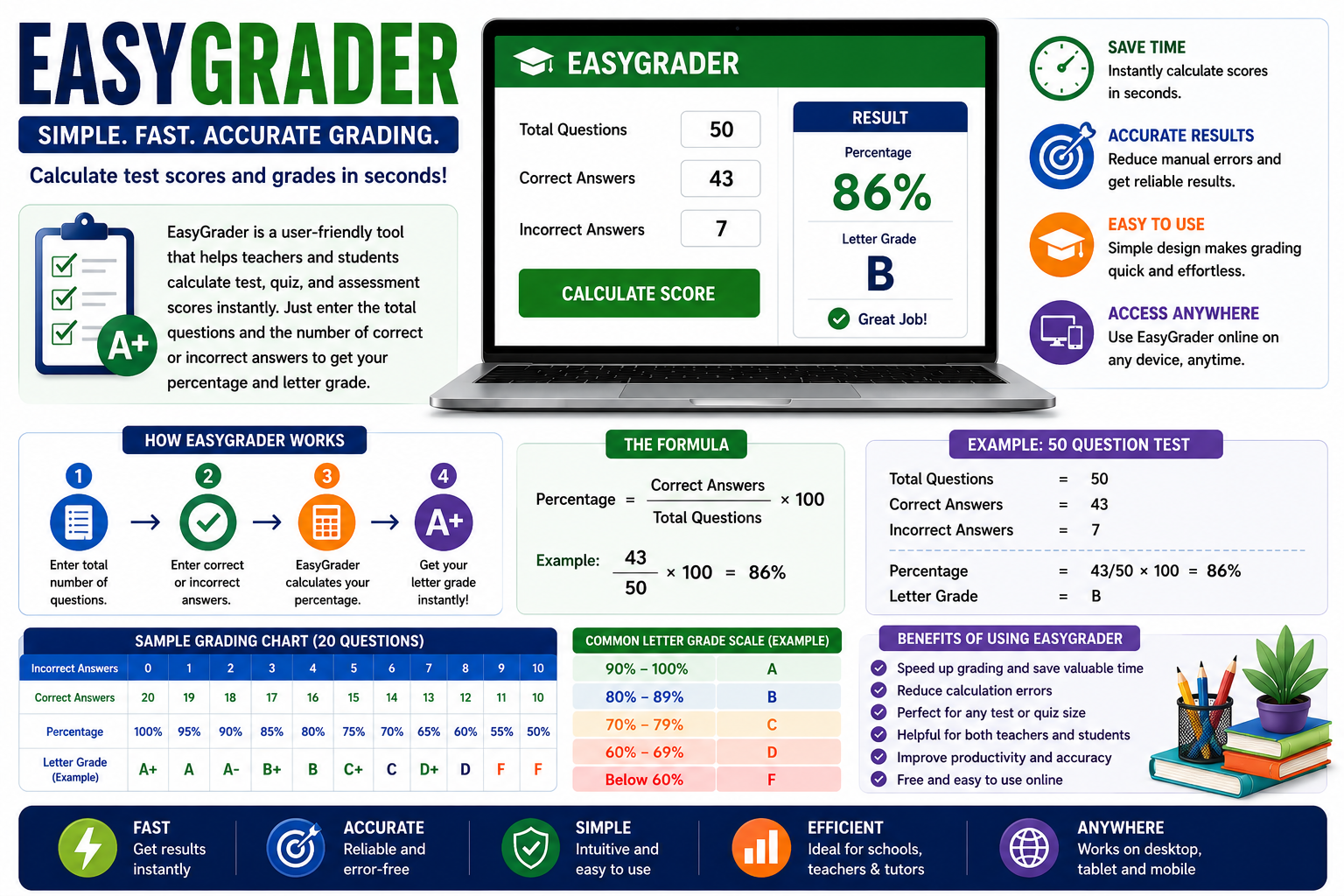
Easy Grader is a term commonly used for a grading calculator that helps users determine test scores based on the number of correct answers, incorrect answers, and total questions. Depending on the specific tool, it may display a percentage, a score out of the total marks, or a corresponding letter grade.
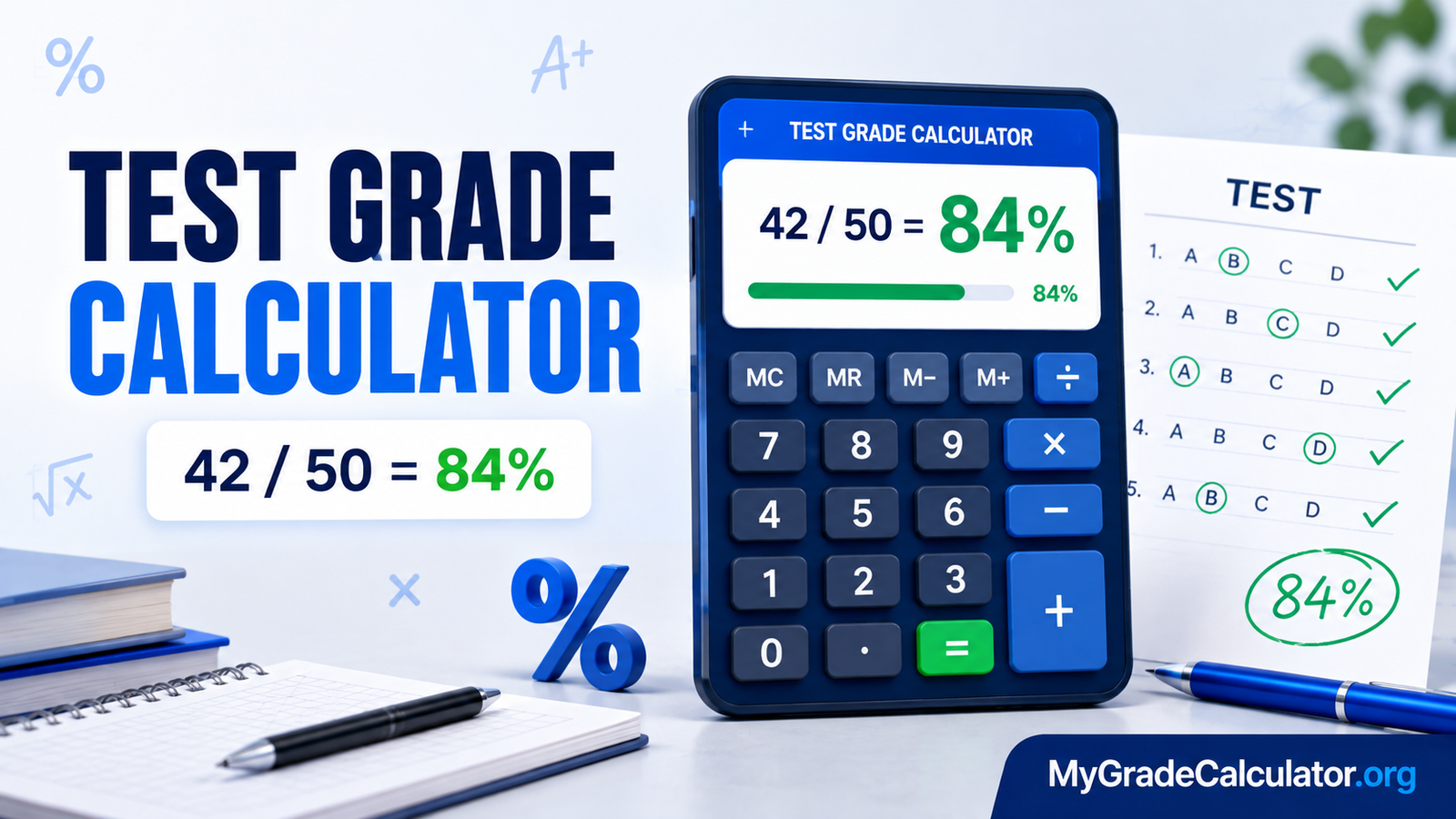
For example, imagine a student takes a test containing 20 questions and answers 16 correctly. An easy grader calculator can help determine that the student’s score is 80%, provided every question carries equal marks and there is no penalty for incorrect answers.
The primary purpose of an easy grader is to simplify routine grading calculations. Teachers who regularly assess multiple students can save time, while students can quickly estimate their results after completing practice tests.
It is important to distinguish a basic grading calculator from a complete gradebook or learning management system. A calculator focuses on computing scores, whereas a gradebook may store student records, track assignments, and calculate overall course grades.
Grade Calculator Pro
Weighted grades, final exam targets & GPA — instantly.
Weighted Grade Calculator
Enter each category, its weight in the course, and your current grade in that category.
| Category | Weight (%) | Grade (%) |
|---|
Points → Grade
Convert earned points into a percentage, letter grade, and GPA value.
Final Exam Calculator
Find the score you need on your final exam to reach your target course grade.
GPA Calculator
Add your courses, credit hours, and letter grades to compute your term GPA.
| Course | Credits | Grade |
|---|
Grading scale reference
| Letter | Percentage | GPA |
|---|
Key Features of Easy Grader
The features available depend on the particular calculator, but most basic grading tools focus on making percentage calculations easier.
Automatic Percentage Calculation
The main feature is automatic score calculation. Users do not need to divide correct answers by the total number of questions manually each time. This is particularly helpful when grading several quizzes or practice examinations.
Support for Different Test Sizes
An easy grader calculator can generally be used for assessments with different numbers of questions. The same percentage formula works for a short classroom quiz or a longer multiple-choice examination, provided the questions carry equal marks.
Incorrect Answer Tracking
Calculators that accept incorrect answers make it easier to determine how mistakes affect a student’s score. This feature is useful when teachers receive completed answer sheets and need to calculate results quickly.
Simple Interface
Many basic grading calculators require only a few inputs. A straightforward interface makes them accessible to teachers, students, tutors, and parents without requiring advanced technical knowledge.
Letter Grade References
Some tools display letter grades alongside numerical percentages. This can help users interpret results, but the displayed grade should be checked against the institution’s actual grading scale.
Convenient Online Access
Browser-based calculators can be accessed from compatible devices without installing dedicated software. Depending on the service, users may be able to calculate grades on a computer, tablet, or smartphone.
Not every tool offers the same features, so it is worth checking whether a particular calculator supports the grading method you need.
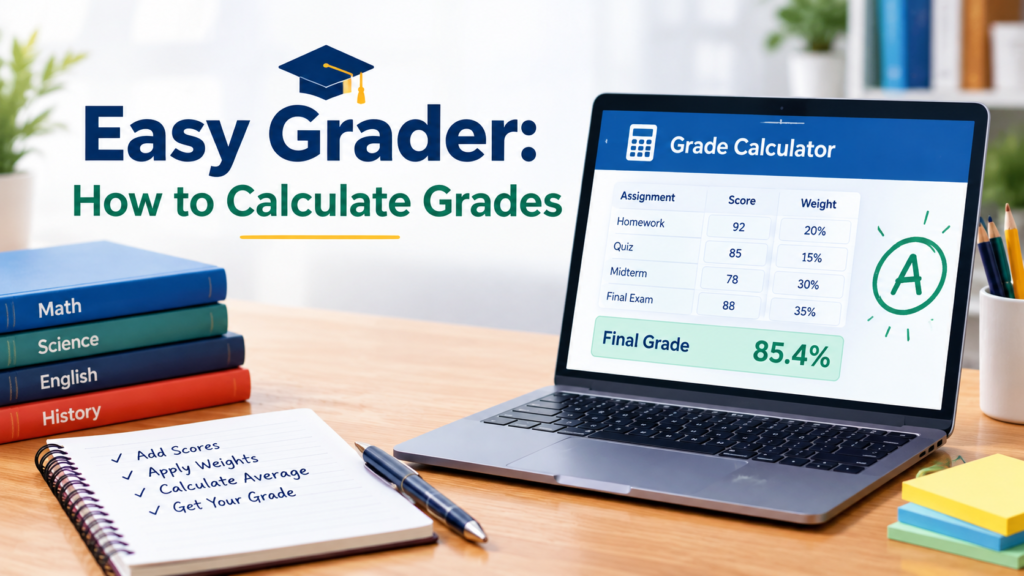
How to Use Easy Grader Step by Step
How the Grade Calculator Works
The math behind every tool, with live worked examples.
One scale, four formulas
Every calculator on the main page shares the same letter-grade scale. The only thing that changes is the formula used to turn your inputs into a percentage. Each section below shows the formula, a worked example you can edit, and the exact code that runs it.
The grade scale
All four tools end by looking a percentage up in the same table.
The scale is ordered from highest to lowest, and the first row whose
min is less than or equal to your percentage wins.
| Letter | Percentage | GPA points |
|---|
// SCALE is an array sorted from highest minimum to lowest.
// find() returns the first row you qualify for.
function gradeFor(pct) {
  return SCALE.find(s => pct >= s.min)
      || SCALE[SCALE.length - 1];   // fallback: F
}
An 86% fails the first several rows (97, 93, 90, 87) and matches
B at min: 83, so it returns { letter: "B", gpa: 3.00 }.
Weighted grade
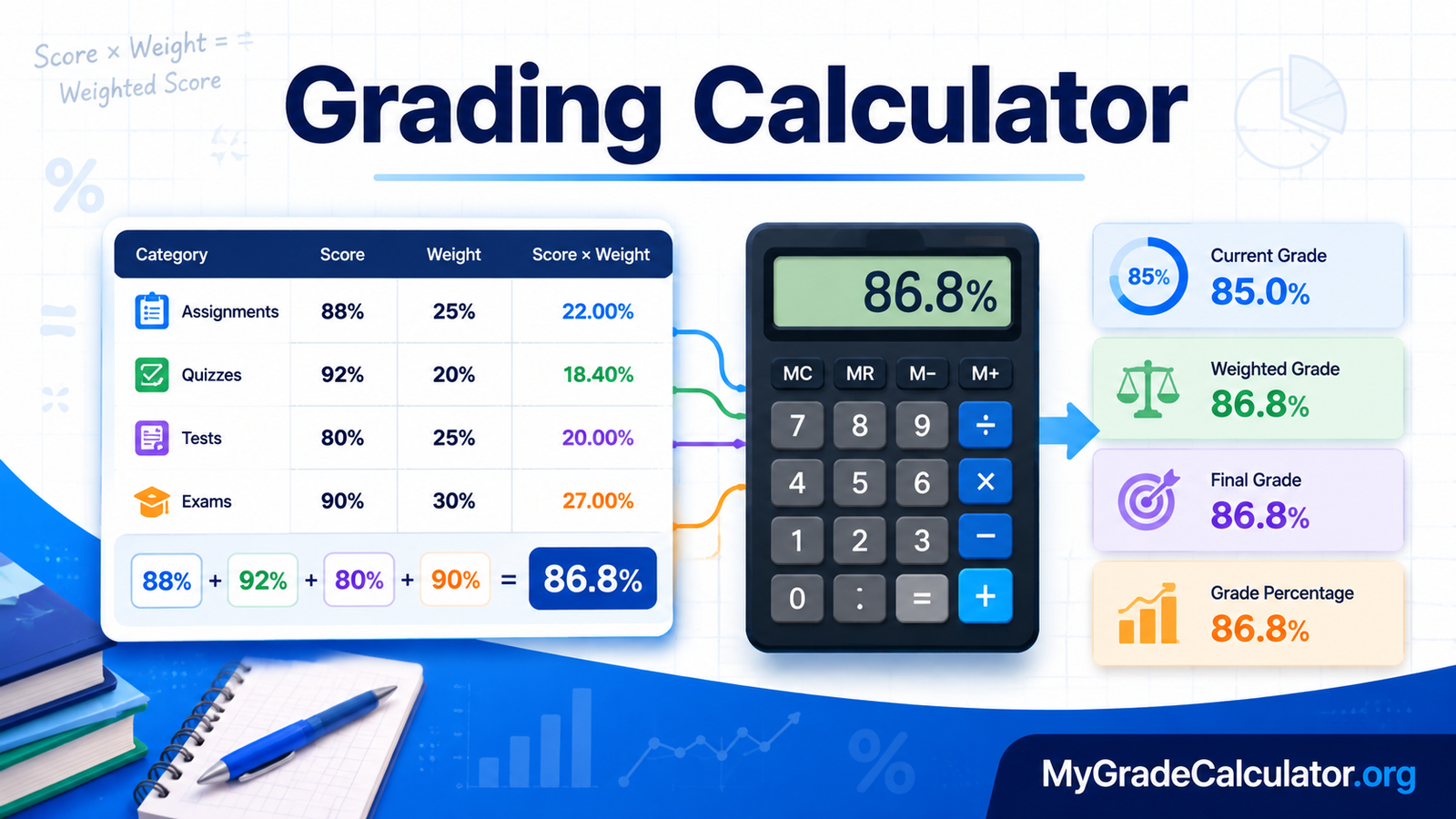
Each category contributes in proportion to its weight. Multiply every grade by its weight, add those products up, then divide by the total weight.
w = weight in %, g = grade in %
| Category | Weight (%) | Grade (%) |
|---|---|---|
| Homework | ||
| Midterm | ||
| Final |
let totalWeight = 0, sum = 0;
rows.forEach(r => {
  totalWeight += r.weight;
  sum         += r.weight * r.grade;
});
const weighted = totalWeight > 0 ? sum / totalWeight : 0;
Points → grade
The simplest conversion: divide earned points by possible points, then multiply by 100 to express the result as a percentage.
| Points earned | Points possible |
|---|---|
const pct = (earned / possible) * 100;
const g   = gradeFor(pct);   // letter + GPA from the scale
Final exam score needed
Your course grade is a blend of the work you’ve already done and the final exam. Set the target equal to that blend, then solve for the final exam score.
final = ( target − current × (1 − w) ) ÷ w
w = final exam weight as a decimal (25% → 0.25)
| Current grade (%) | Final weight (%) | Target grade (%) |
|---|---|---|
const w         = finalWeight / 100;
const already   = current * (1 - w);       // locked-in contribution
const needed    = (target - already) / w;   // score required
const maxPossible = already + 100 * w;      // if you ace it
GPA
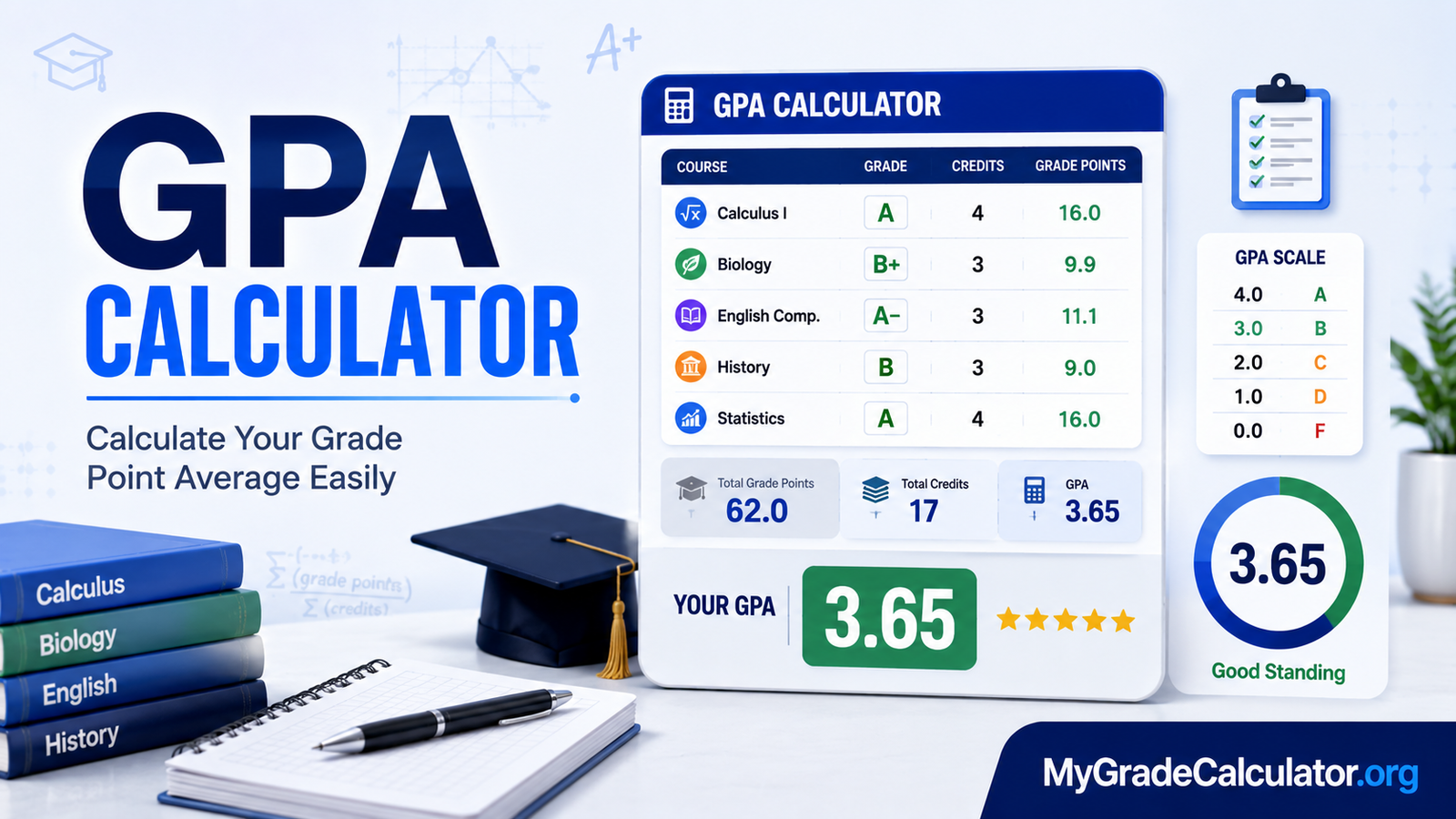
GPA is a credit-weighted average of grade points. Each course’s grade point value is multiplied by its credit hours, summed, then divided by total credits.
c = credit hours, p = grade points from the scale
| Course | Credits | Grade |
|---|---|---|
| Course 1 | ||
| Course 2 | ||
| Course 3 |
let credits = 0, quality = 0;
courses.forEach(c => {
  credits += c.credits;
  quality += c.credits * GPA_OF[c.letter];
});
const gpa = credits > 0 ? quality / credits : 0;
Easy Grader Percentage and Letter Grade Chart
A grading chart can help users understand how percentages may correspond to letter grades. The following table is an example rather than a universal grading standard.
| Percentage | Example Letter Grade |
| 90–100% | A |
| 80–89% | B |
| 70–79% | C |
| 60–69% | D |
| Below 60% | F |
Under this illustrative scale, a student who scores 92% receives an A, while a student who scores 84% receives a B.
Actual grading systems may use different thresholds, plus and minus grades, or other evaluation methods. For instance, some institutions may assign an A at 93% rather than 90%.
Teachers should follow their school’s official policy, while students should consult their course guidelines before interpreting a calculated percentage as a final letter grade.
Benefits of Using Easy Grader
An easy grader calculator offers several practical advantages for routine assessment tasks.
Saves Time for Teachers
Teachers often need to grade numerous assignments, quizzes, and examinations. Automating percentage calculations reduces repetitive work and leaves more time for lesson preparation, student feedback, and classroom activities.
Helps Reduce Arithmetic Errors
Manual calculations can lead to mistakes, particularly when teachers handle large numbers of papers. A calculator reduces the arithmetic involved, although users must still enter accurate information.
Simplifies Classroom Assessment
The tool makes it easier to calculate scores for short quizzes, multiple-choice tests, and other assessments based on equally weighted questions.
Supports Consistent Calculations
Applying the same formula to comparable assessments helps teachers maintain consistency. However, consistency also depends on using the correct scoring rules and applying them fairly to every student.
Helps Students Understand Performance
Students can use a grading calculator to estimate their percentages, identify areas where they lost marks, and set goals for future assessments.
Makes Results Easier to Explain
Parents and tutors can use calculated percentages to understand assessment performance. A clear numerical result can also support discussions about progress, although it does not explain every aspect of a student’s learning.
Who Can Benefit From Easy Grader?
Easy Grader is useful for several groups involved in education and assessment.
- Teachers: Calculate marks for classroom tests, quizzes, and practice examinations.
- Students: Estimate scores and understand how incorrect answers affect their results.
- Tutors: Evaluate practice tests and monitor progress during individual or group lessons.
- Parents: Understand percentages and discuss academic performance with their children.
- Training centers: Calculate results for basic assessments and routine evaluations.
The tool is most suitable when the assessment uses a straightforward scoring system. Users who manage complex courses or multiple grading categories may need a more advanced solution.
Easy Grader vs. Manual Grade Calculation
Both automated and manual calculations can produce correct results when used properly, but they serve slightly different purposes.
| Factor | Easy Grader | Manual Calculation |
| Speed | Usually faster for repeated calculations | Can take longer |
| Arithmetic | Calculated automatically | Requires manual work |
| Ease of use | Requires basic inputs | Requires applying the formula |
| Custom scoring | Depends on tool features | Can accommodate custom formulas |
| Best suited for | Routine percentage-based tests | Custom or complex assessments |
For everyday grading, an easy grader calculator is convenient. Manual calculations remain valuable when teachers need to verify results, apply special scoring rules, or understand how a percentage was obtained.
Is Easy Grader Accurate?
An easy grader calculator can produce mathematically accurate results when the correct information and appropriate formula are used. However, accuracy depends on more than the calculator itself.
Common problems include entering the wrong number of questions, miscounting incorrect answers, and selecting an unsuitable grading scale. Unanswered questions can also affect the result if the calculator treats them differently from the teacher’s scoring policy.
Another consideration is test structure. An examination with weighted questions cannot always be graded accurately by counting correct answers alone. Similarly, tests that award partial credit or deduct marks for wrong answers require calculations that account for those rules.
To improve accuracy, verify the total number of questions, confirm the scoring method, and review unusual results before recording final marks.
Limitations of Easy Grader
Although useful for simple calculations, an easy grader calculator may not meet every grading requirement.
First, basic calculators may not support weighted questions, partial credit, or negative marking. Second, they may calculate percentages without storing individual student records. Third, letter-grade references may not match the policies of every school or institution.
Online availability and features can also vary between services. Some calculators may offer additional options, while others provide only a basic percentage calculation.
For complex assessments, a spreadsheet or digital gradebook may offer more flexibility. The best option depends on whether you need a single test score, an overall course grade, or a complete student assessment system.
Easy Grader Alternatives
If a basic calculator does not meet your requirements, consider these alternatives.
Spreadsheet Grade Calculators
Spreadsheet applications can calculate percentages for multiple students and allow custom formulas for weighted assessments. They are particularly useful for teachers who maintain class records.
Online Percentage Calculators
A standard percentage calculator can determine test scores using the number of correct answers and total questions. It is a practical alternative when you only need a numerical percentage.
Digital Gradebooks
Digital gradebooks can store assessment results, organize student records, and calculate overall grades across multiple assignments. Their features depend on the platform.
Learning Management Systems
Learning management systems combine assessment tools with assignments, quizzes, course materials, and student progress tracking. They may be more appropriate for schools or instructors managing complete courses rather than individual tests.
Tips for Getting the Most Out of Easy Grader
Use these practices to improve the reliability of your grading process:
- Count the total questions carefully before entering them.
- Confirm how unanswered questions are scored.
- Check whether every question carries equal marks.
- Use the grading scale specified by the school or instructor.
- Follow the correct rounding policy for decimal percentages.
- Verify calculations involving partial credit or negative marking.
- Record results securely if you need to track student progress.
- Review the final score before reporting it.
These simple steps can help you avoid common mistakes and make grading more consistent.
Conclusion
Easy Grader provides a simple way to calculate test percentages and understand assessment results. By automating routine arithmetic, it can save teachers time, help students review their performance, and make basic grading tasks easier for tutors and parents.
The tool works best for tests in which questions carry equal marks and incorrect answers do not receive additional penalties. For weighted examinations, partial-credit assessments, or complete course grading, a spreadsheet or digital gradebook may be more suitable.
Ultimately, accurate grading depends on entering the correct information, applying the appropriate formula, and following the relevant grading policy. When used within these limits, an easy grader calculator can be a practical addition to everyday educational work.
Frequently Asked Questions
Answers about weighted grades, GPA, finals & more.
How can we help?
Browse common questions about the grade calculator, or search for a specific topic below.
Try a different keyword, or .
Still stuck?
If your question isn’t answered here, try the detailed “How it works” page or clear the calculators and start fresh.